Jim Marks Named As Leading RE Conference Speaker
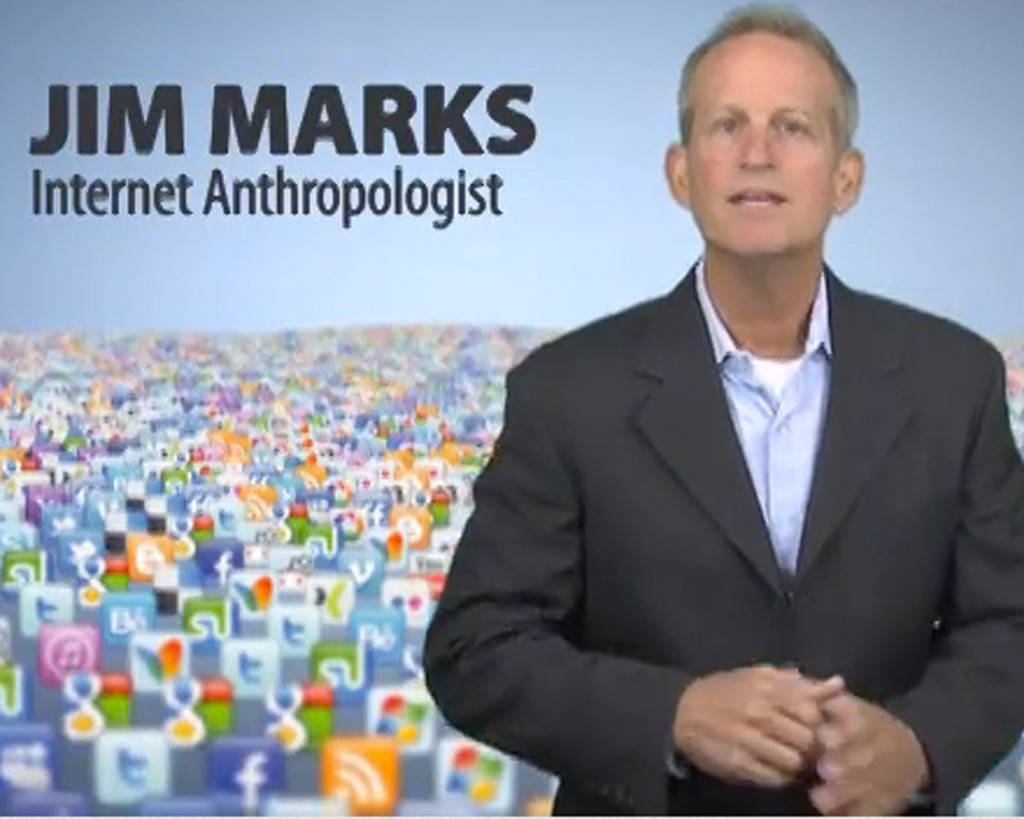 Leading RE will be hosting its conference February 24-28th and we are excited to announce that our very own Internet Marketing Authority, Jim Marks will be the Social Media and Inbound Marketing speaker at their event!
Preparing for the more than 1,500 real estate professionals expected to attend the conference is not something Marks takes lightly, knowing that the his insight into technology and consumer habits is critical to real estate agents, whether they be individual agents, brokers or relocation specialists.
Jim Marks seeks to drive traffic and conversion to real estate professionals by inspiring them with techniques based on proven research gained from millions of clicks and strategies that will cause their clients to engage, call, click, interact, and subscribe.
Jim firmly believes that, “Agents don’t just need more tools, they need knowledge and a road map to success.” In his speaking, Jim’s goal is to get attendees to be “inspired and to leave with that grand ‘Aha!’ moment that will cause change in the way they run their real estate business and really, their lives.”
Jim Marks will be speaking alongside industry greats and conference keynote speakers who include Pulitzer Prize columnist and author Dave Barry, television personality and author Joan Lunden and Shawn Achor, author of the international bestseller, “The Happiness Advantage.”
We hope you enjoy his fun, no-nonsense approach and solid takeaways. Come back after the conference and share with us what you learned either in the comment section or by contacting Virtual Results directly. We’d love to hear what you think!
 Real estate professionals will hear directly from the consumer – the people who want to buy and sell homes – at a unique forum, “Hear It Direct” in Dallas, Texas on May 21st, 2012 at the Dallas Marriott at Legacy Town Center. Hear It Direct is designed to create the consumer as the keynote speaker of the event –unlike most events in the real estate industry. Featuring panels of real home buyers and sellers from all over the U.S., Hear It Direct targets what consumers want and expect from agents. The unfiltered discussion is set up to discover how to really focus and best address the needs of consumers in today’s housing market.
 What did I learn from Steve Jobs? That building great products (such as Apple’s) comes down to being obsessive about every last detail of the entire user experience. It makes me realize why I came to work at Virtual Results. In an industry cluttered with antiquated solutions that don’t work built by people who don’t care how they make a buck, we build the



 Catch Our Feed
 Subscribe via Email
 Follow Our Tweets
 Friend Us On Facebook
 Watch Us On Youtube